Workflowy GitHub Desktop Releases Explained
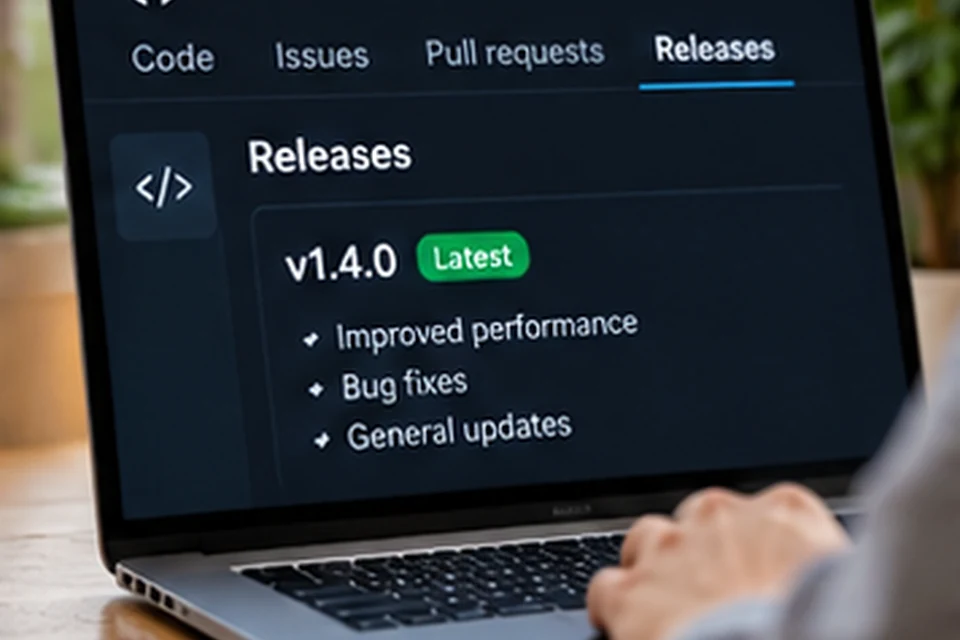
Workflowy GitHub searches usually come from people who want the desktop app straight from its source. The Workflowy desktop project uses a GitHub repository to publish installer files for Windows, macOS and Linux, and each new version appears as a release with downloadable assets. Knowing how that page works helps you pick the correct file and stay up to date.
What the Workflowy Desktop Repository Provides
The workflowy/desktop releases page lists published builds of the desktop app. Each release groups the files for every supported system, along with automatically generated source archives that GitHub attaches to all releases.
For most people, the important part is the Assets list. Those files are the same installers linked in the download section of this site.
Understanding Release Assets
Asset names describe the target system, which removes most of the guesswork. The table below maps each file to the platform it serves.
| Asset | Platform | Type |
|---|---|---|
| WorkFlowy-Installer.exe | Windows | Setup program |
| WorkFlowy.dmg | macOS | Disk image |
| WorkFlowy-x86_64.AppImage | Linux, 64-bit x86 | Portable app |
| WorkFlowy-amd64.deb | Debian, Ubuntu and relatives | System package |
| WorkFlowy-x86_64.rpm | Fedora, openSUSE and relatives | System package |
| Source code (zip / tar.gz) | Any | Archive added by GitHub |
The source archives are not installers. Regular users can ignore them and choose the asset that matches their operating system.
How the Latest Download Links Work
GitHub supports a special address pattern ending in /releases/latest/download/ followed by a file name. That pattern always serves the asset from the newest published release, so a saved link never points to an outdated build.
Every desktop button on this site uses that pattern. Clicking it starts the file download directly from GitHub without any extra pages in between.
Why this matters for updates
- Bookmarked links keep working after each new release.
- No version number needs to be typed or remembered.
- The file you receive always comes from the official repository.
Checking a Release Before Installing
A quick look at the release page adds confidence before you install. Confirm the repository owner reads workflowy, check that the file name matches your system and read any notes attached to the release.
Release notes, when present, describe fixes and changes in that build. They are the most reliable place to learn what changed, which is why this site does not repeat version numbers that may become outdated.
Workflowy GitHub and the Wider Ecosystem
Searching GitHub for Workflowy also returns projects built by the wider community, such as scripts, exporters and integrations that use the Workflowy API. Those projects are maintained by their own authors rather than by the Workflowy team.
Treat community tools with normal care. Read their documentation, check what access they request and keep your API key private if a tool asks for one.
Official versus community projects
- Official desktop builds live under the workflowy organisation.
- Community tools live under personal or other organisation accounts.
- Only official builds are linked as downloads on this site.
Common Questions About Release Files
People sometimes download the source archive by mistake and find no installer inside. If that happens, return to the Assets list and pick the EXE, DMG, AppImage, DEB or RPM file instead.
Another frequent issue involves Linux processor types. The available Linux assets target 64-bit x86 machines, so ARM devices are better served by the web app in a browser.
Installing a File From the Releases Page
After the download finishes, installation follows the usual pattern for each system. Windows runs the EXE setup, macOS opens the DMG so you can drag the app into Applications, and Linux users either run the AppImage or install the DEB or RPM package.
The platform download walkthrough covers each of those steps in detail, including the terminal commands for Linux packages.
Quick reference for Linux users
- AppImage: make it executable, then run it from its folder.
- DEB: install with apt from the download folder.
- RPM: install with dnf or your distribution's package tool.
Release Pages Compared With App Stores
Mobile versions are not distributed through GitHub. Android and iPhone builds come from Google Play and the App Store, which handle updates automatically on those devices.
Desktop users get a similar convenience through the latest download links. Downloading again from the same address always returns the current build, with no need to browse older releases.
| Platform | Distribution channel | How updates arrive |
|---|---|---|
| Windows, macOS, Linux | GitHub releases | Download the latest asset again |
| Android | Google Play | Store updates |
| iPhone and iPad | App Store | Store updates |
| Web | Browser | Always current on reload |
Staying Safe With Downloaded Installers
Downloading from the official repository is the safest route, because the files come straight from the project owners. Avoid re-uploaded copies on file-sharing sites, which can be outdated or altered.
Your operating system may still show a standard warning for downloaded apps. Read it, confirm the app name and source, and continue only when everything matches what you expect.
Who Benefits Most From the Releases Page
Most people never need to open the releases page, since the download buttons already point to the right files. It becomes useful when you want to read release notes, confirm the publisher or grab a package format that a simple button does not show.
System administrators who prepare several machines also find it handy. One visit shows every asset side by side, which makes it easy to collect the EXE for office PCs and the DEB or RPM files for Linux workstations.
- Readers who want release notes before updating.
- Linux users choosing between AppImage, DEB and RPM.
- Teams installing the app on several computers.
FAQ
Is Workflowy open source because it uses GitHub?
Hosting releases on GitHub does not by itself make an app open source. The repository is used here to distribute desktop installers, and licensing details belong to the project owners.
Can I watch the repository for new releases?
Yes. A signed-in GitHub user can choose Watch, then Custom, then Releases to receive a notification whenever a new build is published.
Which file should a Windows user pick?
Windows users need WorkFlowy-Installer.exe. The platform download walkthrough covers the install steps.
Conclusion
Workflowy GitHub releases are the home of the official desktop installers, and the latest download links always deliver the newest asset for each platform. Matching the file name to your system is all it takes to get started.
For a one-click start, use the download section, which links straight to those release assets.