Workflowy Pricing: Basic vs Pro Plan Explained
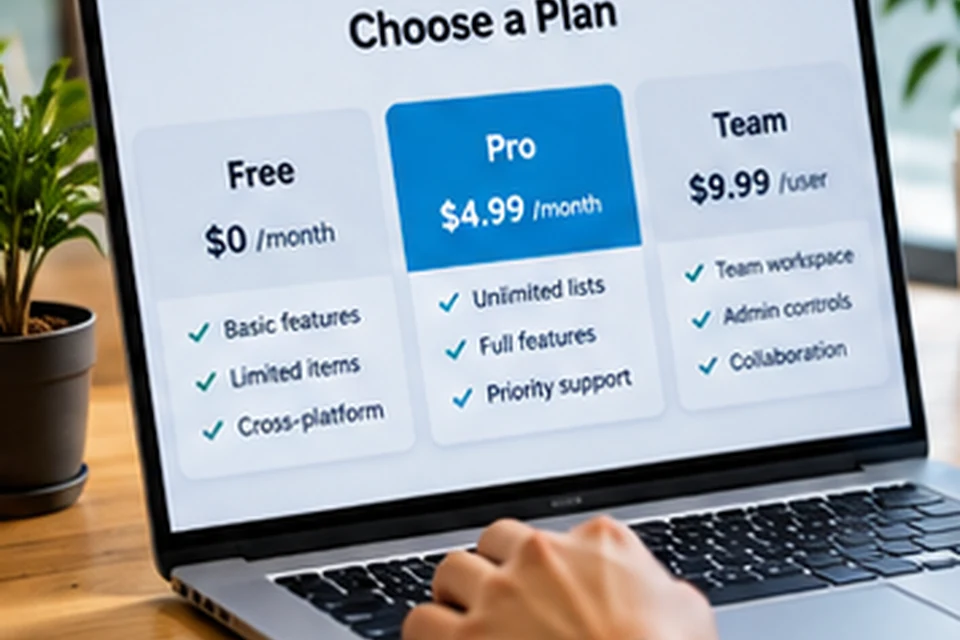
Workflowy pricing is refreshingly simple, with a free Basic plan and a paid Pro plan. The official pricing page states that all features are free, while Pro removes the usage limits that apply to Basic. This guide explains what each plan includes, how billing works and how to decide which one fits your usage.
Workflowy Plans at a Glance
The figures below reflect the official pricing page at the time of writing. Prices and allowances can change, so always confirm on workflowy.com before you subscribe.
| Detail | Basic | Pro |
|---|---|---|
| Price | Free | $8.99 per month, or $6.99 per month billed annually |
| Features | All features | All features |
| New bullets | 100 per month | Unlimited |
| File uploads | 100 MB | Unlimited |
| Best for | Light or trial use | Daily users and growing outlines |
What the Basic Plan Includes
Basic gives access to the full feature set, including nesting, zoom, tags, mirrors, boards and sharing. The main restriction is how many new bullets you can add each month, alongside a cap on file uploads.
According to the pricing page, reaching the bullet limit does not lock you out. You can still add new items, but a popup invites you to subscribe.
Basic suits people who
- Want to test the outline style before paying.
- Keep a modest personal list of tasks and ideas.
- Add content occasionally rather than every day.
What the Pro Plan Adds
Pro removes the monthly bullet allowance and the upload cap. Daily note-takers, writers and project planners usually create far more than 100 bullets in a month, which is why Pro becomes the natural choice once Workflowy turns into a habit.
Unlimited uploads also matter if you attach images, documents or reference files to your notes. Everything stays inside the outline instead of scattered across other services.
Monthly Versus Annual Billing
Annual billing lowers the effective monthly price compared with paying month to month. Monthly billing offers more flexibility if you are unsure how long you will use the app.
A practical path is to start monthly, confirm that Workflowy fits your routine, then switch to annual billing for the lower rate.
Discounts Worth Knowing
The official pricing page mentions a 50 percent discount on Pro subscriptions for non-profits, arranged through Workflowy's help contact. Workflowy also promotes an education plan for students and teachers, and the details are listed on its official education page.
- Non-profits: ask Workflowy support about the Pro discount.
- Students and teachers: check eligibility on the education page.
- Everyone else: compare monthly and annual Pro billing.
How to Choose the Right Plan
Counting your typical monthly bullets is the easiest test. Use Basic for a few weeks, watch how quickly you approach the limit, and upgrade if the popup starts to appear regularly.
| Your usage | Suggested plan |
|---|---|
| A few lists, updated weekly | Basic |
| Daily journal or task capture | Pro |
| Writing projects with research files | Pro |
| Shared team checklists, light edits | Basic to start, Pro if usage grows |
Questions to ask yourself
- How many new bullets do I add on a busy day?
- Do I attach files or images regularly?
- Will I use Workflowy for most of the year?
Estimating Your Monthly Bullet Count
Every new line you type counts as a bullet, including short tasks and sub-points. A daily journal with ten lines already reaches around 300 bullets per month, well beyond the Basic allowance.
Light users who keep a shopping list and a handful of projects may stay comfortably within the limit. Tracking a typical week gives a realistic estimate before you commit.
| Habit | Rough bullets per month |
|---|---|
| Five bullets a day | About 150 |
| Ten bullets a day | About 300 |
| Twenty bullets a day | About 600 |
Comparing Cost With the Value Delivered
Pro costs less per month than many single-purpose apps, and it can replace several separate tools for tasks, notes and planning. Annual billing reduces the effective monthly price further.
The real question is how central Workflowy becomes in your routine. When it holds your daily plan, project lists and research, removing the limits usually pays for itself in saved time.
Signs that Pro is worth it
- The limit popup appears before the month ends.
- You attach files to notes on a regular basis.
- Workflowy has become your main planning tool.
Managing Your Subscription
Subscriptions are managed from your account settings on the official site. That is where you can switch billing periods, update payment details or cancel.
Always handle payments directly with Workflowy rather than through third-party offers. Official pages show the current price, any active discounts and the terms that apply.
Common Pricing Mistakes to Avoid
Many people subscribe before they know how they will use the app, or stay on Basic long after hitting the limit every month. Both situations are easy to avoid with a short period of honest tracking.
Another frequent mistake is trusting outdated price lists on third-party sites. Workflowy has adjusted its plans over the years, so the official pricing page is the only reliable source for current figures.
- Subscribing before testing the free plan.
- Ignoring a recurring limit popup.
- Relying on old prices from other websites.
A simple decision rule
Stay on Basic while the limit popup is rare and uploads stay small. Move to Pro once Workflowy holds your daily plan, because hitting the cap in the middle of a busy week costs more time than the subscription.
FAQ
Are any features locked behind Pro?
The pricing page says all features are free. Pro removes limits rather than unlocking separate tools.
What happens to my notes if I downgrade?
Your existing outline remains yours. The Basic limits then apply to new bullets and uploads going forward, so confirm current terms on the official site.
Do the apps cost extra?
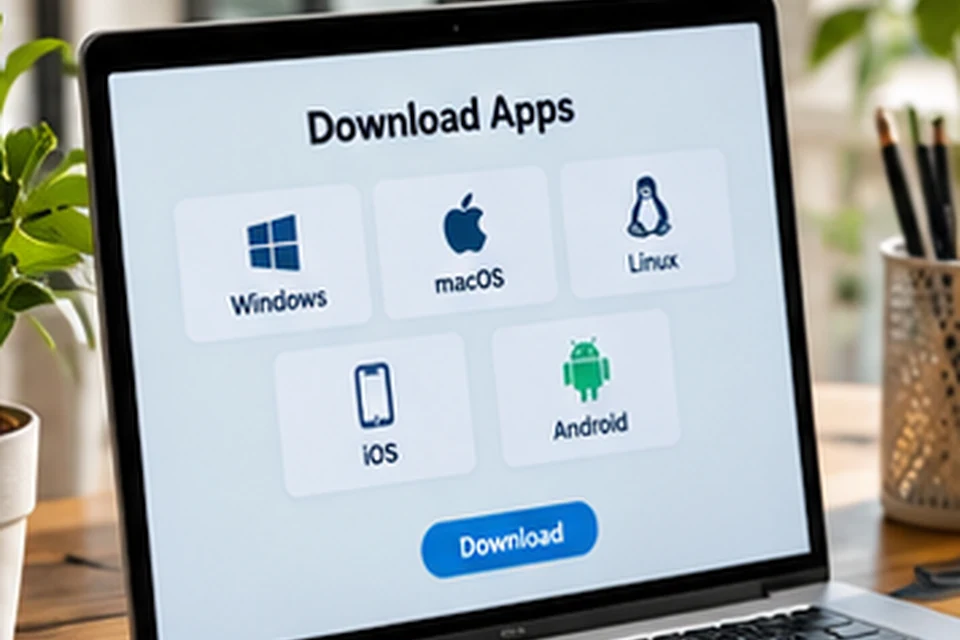
No. Desktop and mobile apps are free to install, as the download walkthrough explains.
Conclusion
Workflowy pricing comes down to a free Basic plan with monthly limits and a Pro plan that removes them, with annual billing lowering the cost. Since every feature is available on both, the decision rests purely on how much you write and upload.
Start free, measure your usage and upgrade when the limits start getting in the way. Install the apps from the download section to begin.