What Do Workflowy Reddit Threads Say About the App?
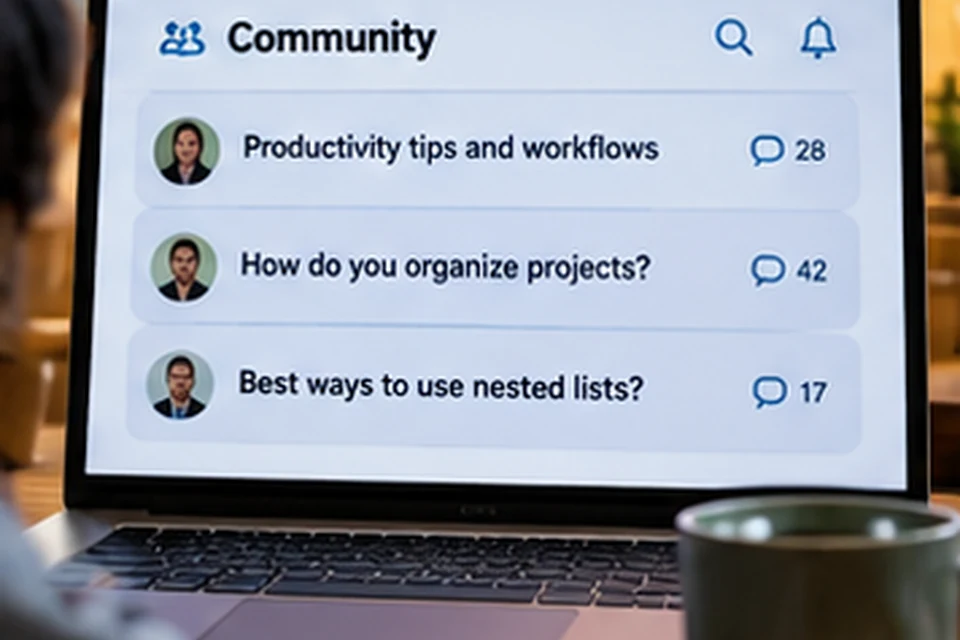
Workflowy Reddit threads are a popular place for users to swap workflows, ask questions and react to new features. The r/Workflowy community includes long-time outliners and newcomers alike, and the Workflowy team has posted feature announcements there as well. This article summarises the recurring themes and explains how to get value from those discussions without getting lost.
Why People Turn to Reddit for Workflowy Advice
Official help pages explain what each feature does, while community threads show how real people combine those features. Seeing someone's journal template or project structure often makes an idea click faster than documentation.
Threads also capture honest reactions. Users describe what works for them, what frustrates them and which habits keep a growing outline manageable.
Recurring Discussion Themes
Certain topics come up again and again. The table summarises the main themes and what readers usually take away from them.
| Theme | Typical questions | Common takeaway |
|---|---|---|
| Daily notes and journals | Where to put today's notes | Use a dated parent bullet and keep it light |
| Tags versus nesting | When to tag and when to nest | Nest by topic, tag by context or person |
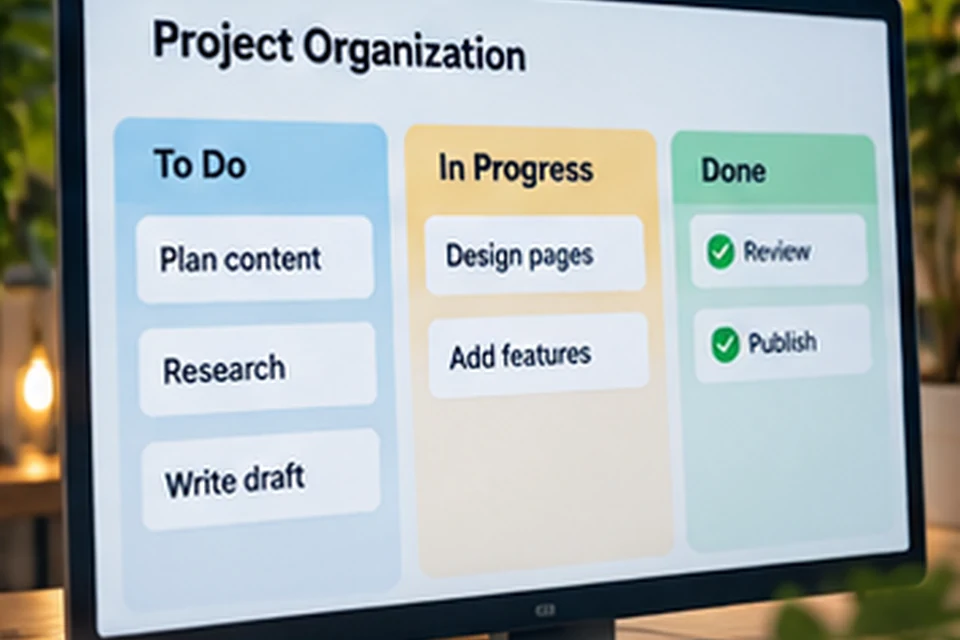
| Project tracking | Lists or boards for tasks | Boards suit stages, lists suit detail |
| New features | How a feature behaves | Read the announcement and test small |
| Pricing and limits | Whether Pro is worth it | Depends on how many bullets you add |
Workflow Sharing and Templates
Many threads revolve around sharing structures, such as weekly reviews, reading logs, meeting notes and content calendars. Readers adapt those structures rather than copying them exactly, because every outline grows differently.
A good approach is to borrow one idea at a time. Add a single template, use it for a couple of weeks and keep it only if it saves effort.
Ideas that often appear
- A single inbox bullet for quick capture before sorting.
- Mirrors that pull tasks from projects into a daily plan.
- Tags for people so follow-ups are easy to filter.
- Completed items hidden to keep active views clean.
Feature Announcements and Feedback
The Workflowy team has used the subreddit to announce features, including the beta of chatting with your notes. Comment sections under such posts mix enthusiasm, questions about behaviour and requests for more control.
AI posts in particular attract questions about data handling and opt-in settings. Those conversations are a reminder to read the official terms, which the Workflowy AI article also discusses.
Common Frustrations Users Mention
Community feedback is not only praise. Users sometimes describe bugs after updates, uncertainty about limits on the free plan or a wish for more layout options.
Those comments are useful for setting expectations. They show where Workflowy keeps things deliberately simple and where heavier tools might suit certain projects better.
- Occasional app issues reported after new releases.
- Questions about the monthly bullet allowance on Basic.
- Requests for finer control over which notes AI can access.
- Debate over minimalism versus richer formatting.
How to Use Community Advice Well
Threads reflect individual experiences, not official policy. Prices, limits and features can change, so confirm anything important on the official Workflowy pages before deciding.
Sorting by top posts of all time surfaces lasting workflow ideas, while sorting by new shows current questions and recent changes. Both views are worth a look.
Healthy reading habits
- Check the date of a post before trusting its details.
- Look for answers that explain the reason behind a tip.
- Test suggestions on a copy of a list before reorganising everything.
Where Reddit Fits With Other Resources
Community threads work best alongside the official help pages and structured reviews. The help pages explain exact behaviour, and summaries like the Workflowy reviews article balance strengths against limits.
Together, those sources give a fuller picture than any single thread. They also help you decide which ideas match your own work style.
Questions Newcomers Often Ask
New users frequently ask how to structure their outline from day one. The common answer is to start with a few broad parent bullets, such as Inbox, Projects, Areas and Archive, and let detail grow naturally.
Another frequent question is whether to move every note from another app at once. Community advice usually favours moving active material first and leaving old archives where they are until they are needed.
Starter structures people suggest
- Inbox for unsorted capture.
- Projects for work with a clear finish line.
- Areas for ongoing responsibilities.
- Archive for finished or paused material.
Comparisons With Other Tools
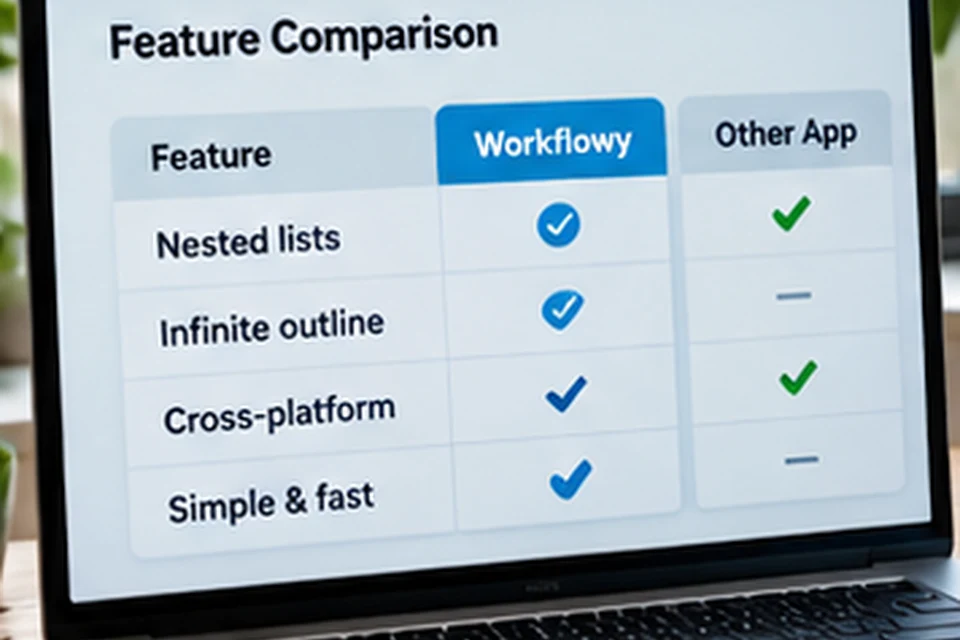
Threads often compare Workflowy with other note and outline apps. Typical comparisons focus on speed, simplicity, pricing and how much structure each tool imposes.
The fairest takeaway is that each tool suits different temperaments. Outliner fans value Workflowy's focus, while people who want databases and rich pages lean towards broader workspaces.
| Comparison point | What Workflowy fans highlight |
|---|---|
| Speed | Fast capture with almost no setup |
| Structure | Free-form nesting instead of fixed pages |
| Learning curve | Basics learned in minutes |
| Flexibility | Tags and mirrors cover many workflows |
Contributing Your Own Experience
Sharing a workflow helps others and often brings useful feedback in return. Describe your goal, the structure you use and why it works, rather than posting a screenshot alone.
Remove personal details and client names before sharing anything from your outline. A simplified example communicates the idea just as well.
Finding the Most Useful Threads
Search inside the subreddit for the feature or workflow you care about, such as boards, mirrors or journal. Combining a feature name with a goal, for example mirrors daily plan, usually surfaces focused examples.
Threads with detailed explanations tend to age better than quick replies. Save the most helpful ones as links in a reference bullet inside your own outline so you can revisit them later.
- Search by feature name plus your goal.
- Prefer answers that describe a full structure.
- Store useful links in a reference bullet.
Conclusion
Workflowy Reddit discussions are a rich source of practical workflows, honest feedback and early feature news. Recurring themes include journals, tagging strategy, boards, AI and pricing, and most advice boils down to keeping structures simple and testing ideas gradually.
Read threads with an eye on their dates, confirm details on official pages and try one idea at a time in your own outline.