Workflowy Reviews: Strengths, Limits and Who It Suits
Workflowy reviews tend to agree on one point: the app does one thing, outlining, and does it with unusual focus. Opinions differ mainly on whether that focus is a strength or a limitation for a given person. This summary weighs the commonly praised strengths against the frequently mentioned limits so you can judge the fit for your own work.
What Reviewers Usually Praise
Speed and simplicity sit at the top of most positive reviews. Opening the app drops you into a clean list, and typing a thought takes no decisions about folders, pages or templates.
Reviewers also value how naturally the outline grows. Nesting, zooming and dragging branches make reorganising ideas feel effortless compared with traditional documents.
Strengths in short
- Minimal interface that keeps attention on content.
- Unlimited nesting with zoom into any bullet.
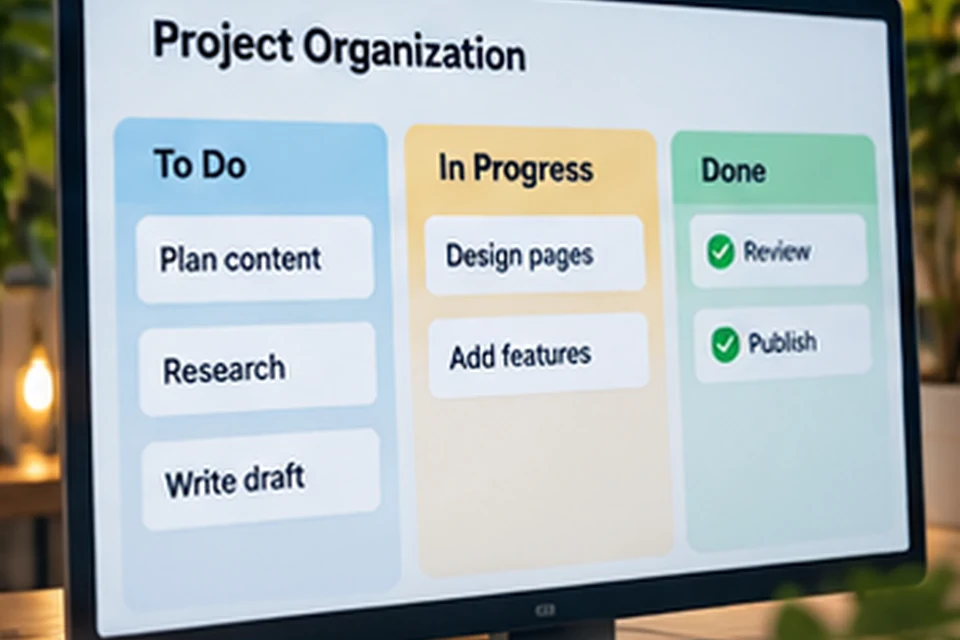
- Tags, search, mirrors and boards for structure.
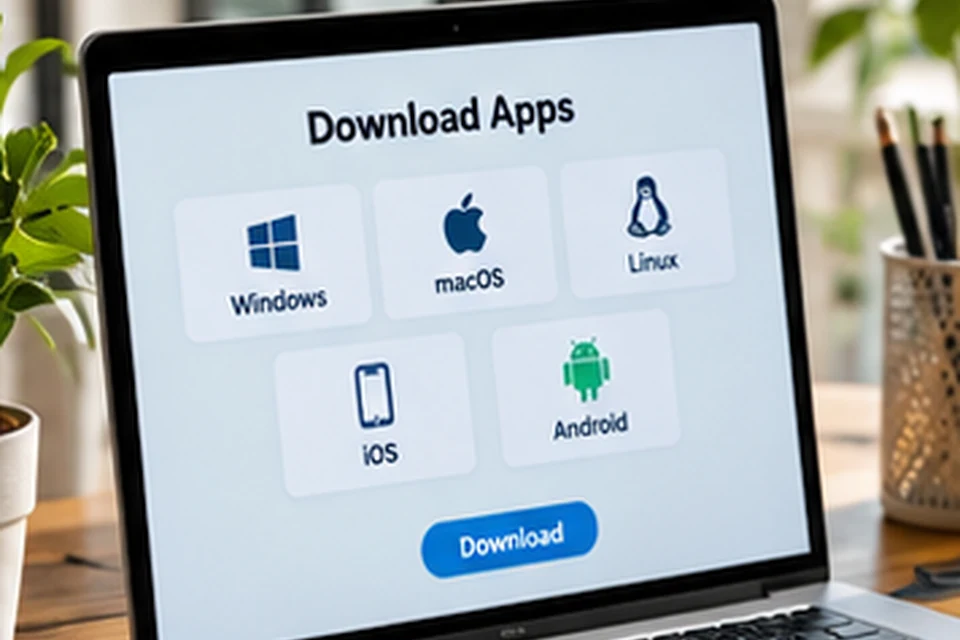
- Apps for desktop, mobile and the web with sync.
- Sharing of individual branches with view or edit access.
Limits Reviewers Point Out
The same minimal design can feel sparse to people used to rich page builders. Workflowy offers formatting, boards and attachments, yet it does not aim to replace full databases, wikis or detailed project management suites.
The free Basic plan includes a monthly limit on new bullets, which heavy users can reach quickly. Large outlines also reward tidy habits, because an unstructured tree can become hard to navigate.
Limits in short
- Plain visual style may not suit design-minded users.
- Basic plan has a monthly bullet allowance.
- Fewer layout and database options than all-in-one workspaces.
- Advanced project features such as time tracking are absent.
Who Workflowy Suits Best
Writers, students, researchers and planners often find the outline format a natural match for how they think. Anyone who likes breaking problems into smaller pieces tends to feel at home quickly.
Small teams that share checklists or meeting agendas also benefit, since sharing a branch is simple. Organisations that need heavy reporting or complex permissions may want a broader platform.
| User type | Fit | Why |
|---|---|---|
| Writers | Strong | Outlines, drafts and research in one tree |
| Students | Strong | Lecture notes and study plans nest naturally |
| Personal productivity fans | Strong | Fast capture with tags and daily plans |
| Small teams | Good | Shared lists and boards for simple projects |
| Large organisations | Mixed | May need more reporting and admin tools |
How Workflowy Compares in Spirit
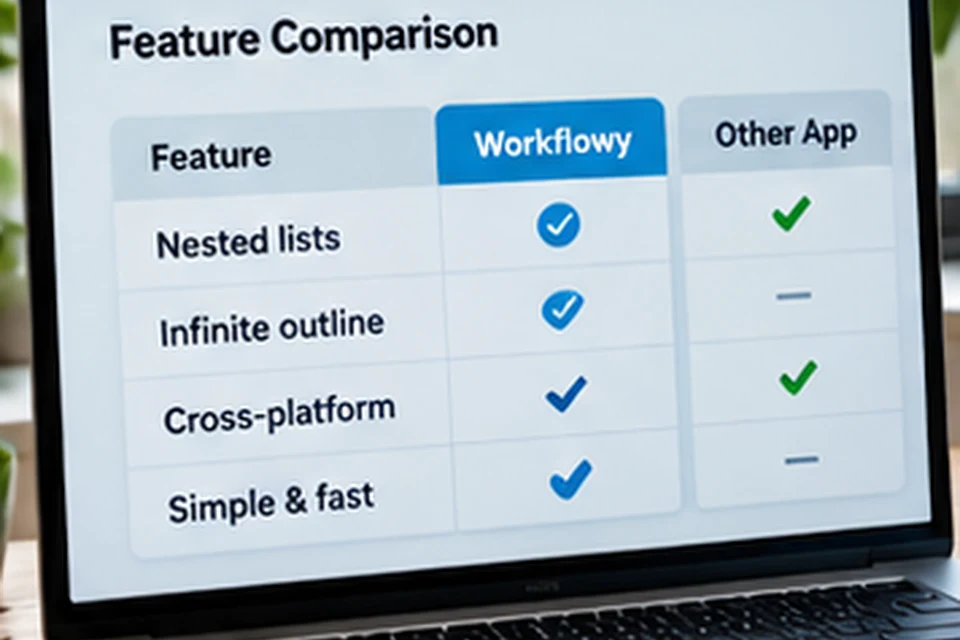
All-in-one workspaces offer pages, databases and many block types, which adds power along with complexity. Workflowy keeps everything as bullets, which trades some flexibility for speed and clarity.
Choosing between these approaches depends on temperament as much as features. People who enjoy building systems may prefer richer tools, while people who want to start typing immediately often prefer an outliner.
Value for Money
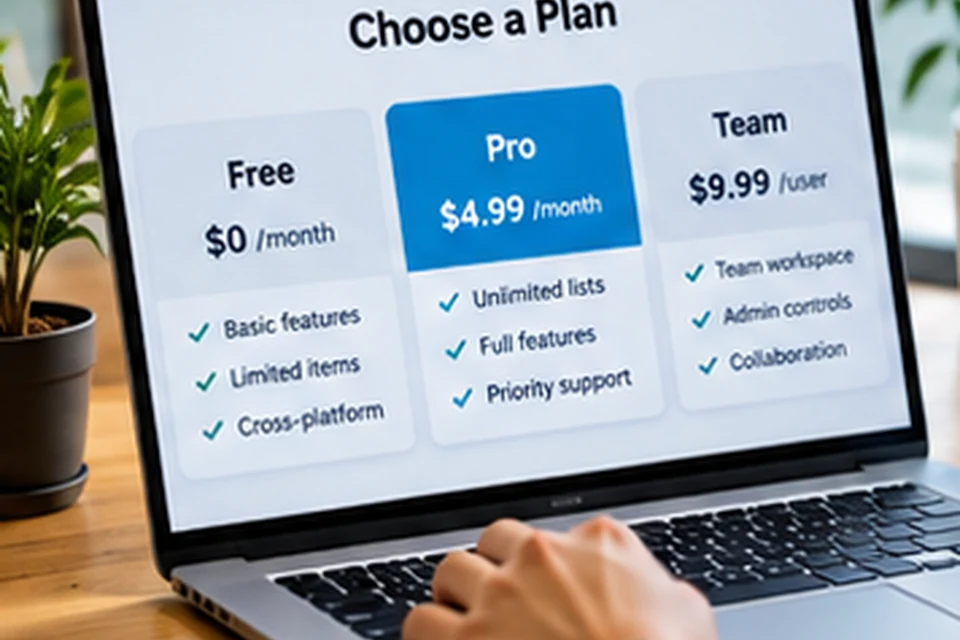
Workflowy offers a free Basic plan and a paid Pro plan that removes the monthly limits. Reviewers generally see Pro as reasonable for daily users, especially with annual billing.
Exact prices can change, so the pricing comparison lists the figures shown on the official page at the time of writing.
Reading Reviews Wisely
Ratings on review sites mix opinions from different years and product versions. Recent reviews reflect current features such as boards and Workflowy AI, while older ones may describe limits that have since changed.
- Compare several review sources rather than relying on one score.
- Look for reviewers with use cases similar to yours.
- Try the free plan to test the outline style personally.
Everyday Experience After a Few Weeks
Long-term users often describe a turning point after the first few weeks. Once capture becomes a habit, the outline starts to act as a central place for tasks, ideas and reference notes.
The experience depends heavily on structure. A handful of clear top-level bullets keeps navigation easy, while a flat list of hundreds of items quickly feels crowded.
Habits that improve the experience
- Review and tidy the outline once a week.
- Archive finished projects instead of deleting them.
- Use tags consistently rather than inventing new ones daily.
Platform Experience
Reviewers generally find the web and desktop versions the most comfortable for long writing and heavy reorganising. Mobile apps shine for quick capture, checking lists and ticking off tasks.
Sync between devices is central to the experience. Using the same account everywhere means a note typed on the phone is ready on the laptop later.
| Platform | Strongest use |
|---|---|
| Desktop app | Focused writing and planning |
| Web app | Access from any computer |
| Mobile apps | Capture and quick checks |
| Browser clippers | Saving links while researching |
Getting the Most From a Trial
A short, realistic test reveals more than any rating. Pick one real project, such as planning an event or outlining an article, and manage it entirely in Workflowy for a week or two.
During the test, use nesting, zoom and tags on purpose. If the outline feels faster than your current method by the end, the app likely suits you; if it feels cramped, a richer workspace may fit better.
- Choose one real project for the test.
- Use the desktop and mobile apps together.
- Note what felt quick and what felt missing.
Signs Workflowy is the right fit
You reach for the app without thinking, your inbox bullet empties regularly and projects feel easier to see at a glance. Those habits matter more than any single feature or score on a review site.
FAQ
Is Workflowy good for beginners?
Yes. The basics take minutes to learn, since you only type bullets and indent them. Extra features can be added gradually.
Can Workflowy replace a full project tool?
For simple projects, often yes, using boards, tags and mirrors. Complex projects with dependencies and reporting may need a dedicated tool.
Where do users discuss their experiences?
The Reddit discussion summary covers common community themes.
Conclusion
Workflowy reviews consistently highlight speed, clarity and flexible nesting, while noting the free plan's monthly limit and a deliberately simple feature set. The app suits people who think in outlines and want to capture ideas without friction.
The best review is your own test, so install the app from the download section and build a small project to see how it feels.